Make a record
Add the casino, amount and request date. Your timer starts from the date you enter.
 Cashout Tracker
A little clarity while you wait
Keep every request, payment and update in one clear journal. See what’s still pending and how long your own cashouts have taken.
Coming soon for Android and iOS.
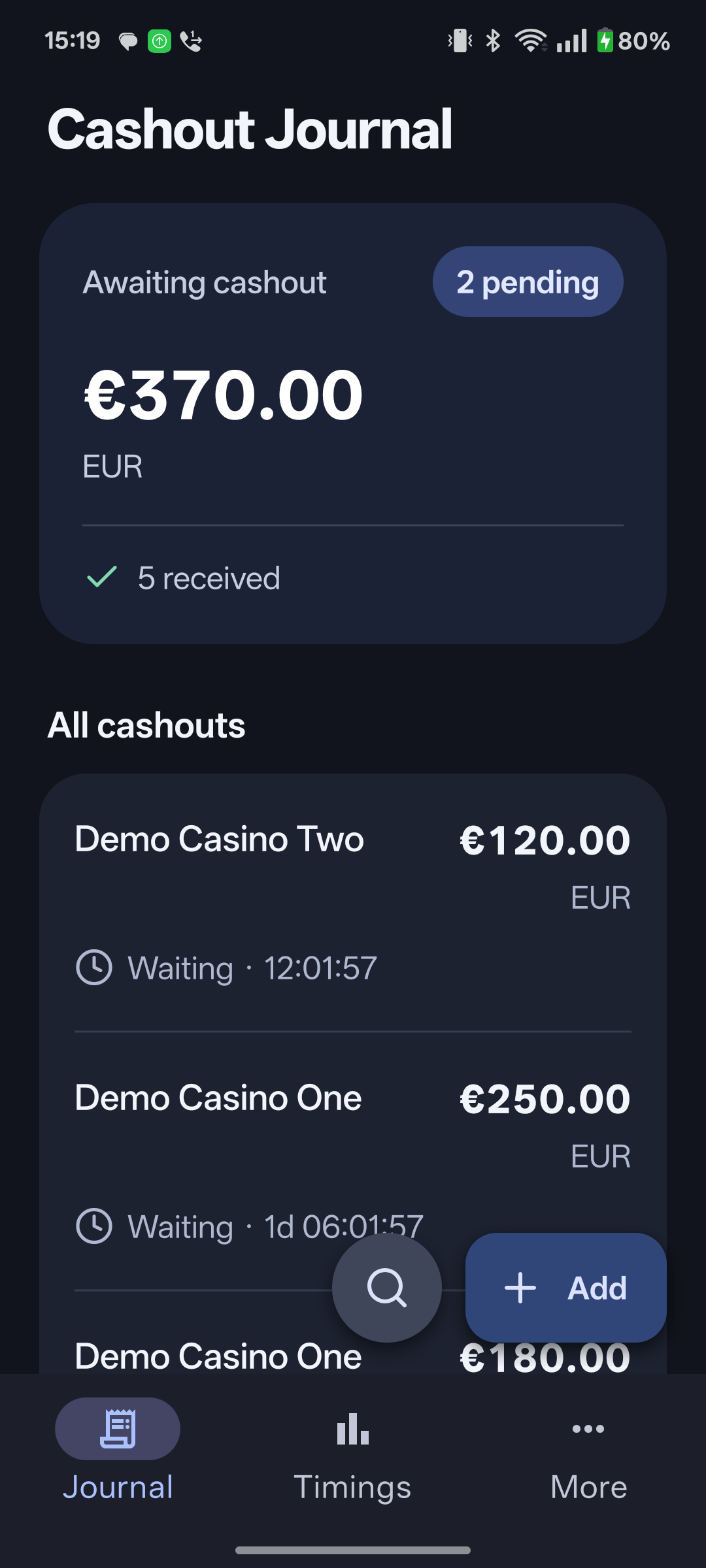
A journal built around the wait
Add the casino, amount and request date. Your timer starts from the date you enter.
Record a full payment, a partial receipt, another wait, a refusal or a cancellation. Keep your updates together.
Compare completed cashout times in your own history, with averages, medians and pending waits.
Your records, made useful
See your personal timing history for each casino, then open the cashouts behind the numbers.
Averages use completed cashouts only. Pending, refused and cancelled records stay visible without changing the completed-payment average.
Your recorded history, not a prediction or a casino-wide benchmark.
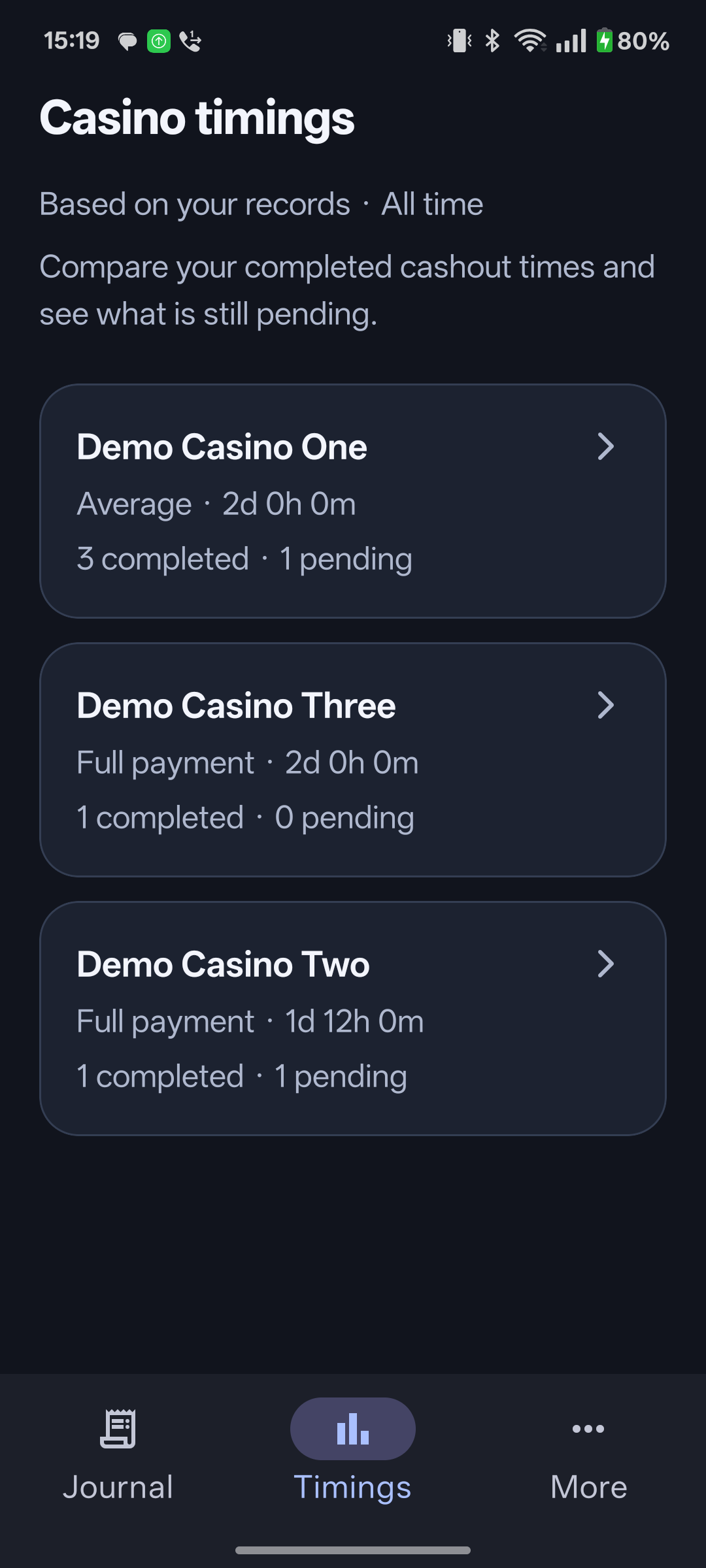
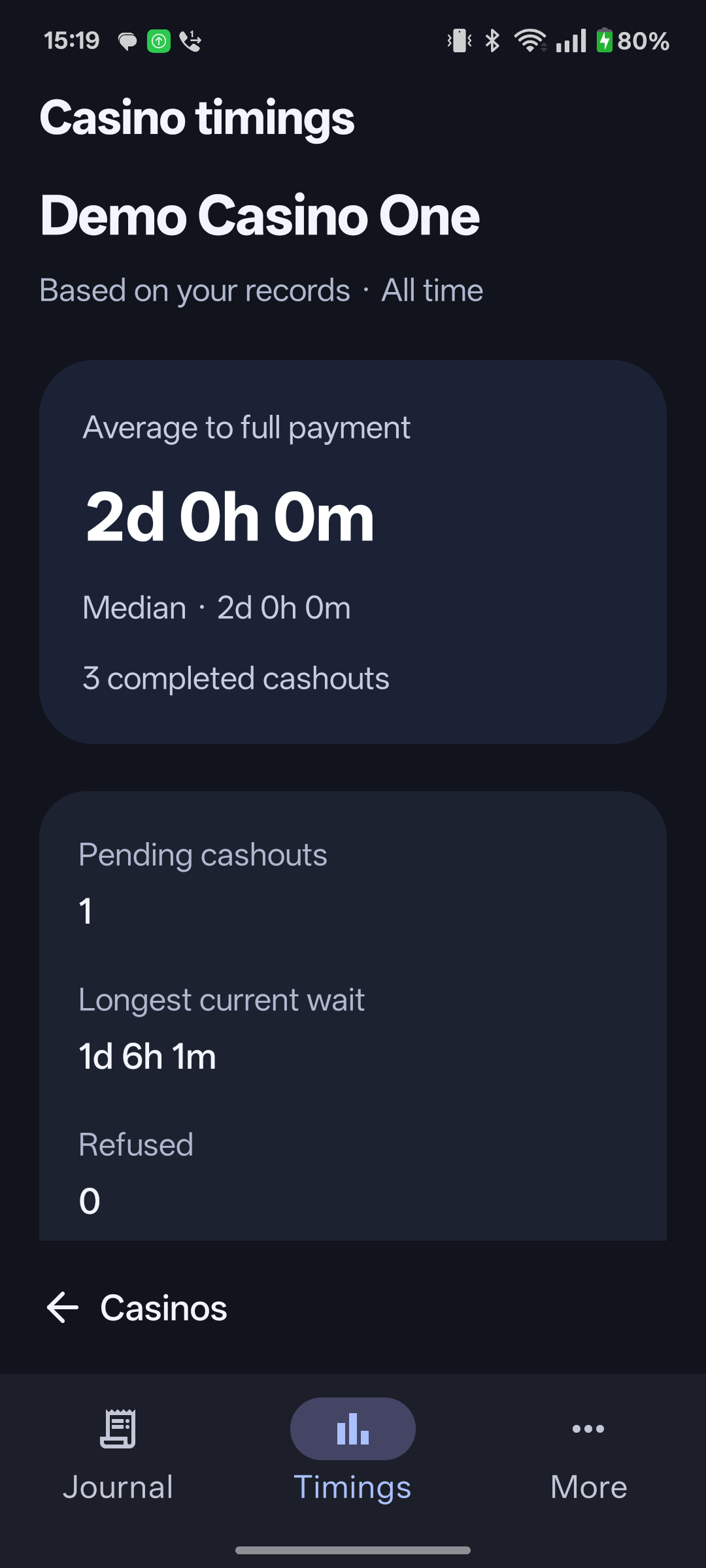
Screenshots were captured from the Android app. All casino names, cashouts and timing figures shown are fictional test data.
Personal by design
Your records stay in the app’s private storage on your device. There’s no account to create and no journal upload to our servers.
Use it offline. Keep a draft. Delete a cashout when you no longer need it. Your operating system may include app data in backups, depending on your settings.
Read the privacy policy